Your short links should look like they belong to your brand — not someone else's platform. That's where custom domains come in.
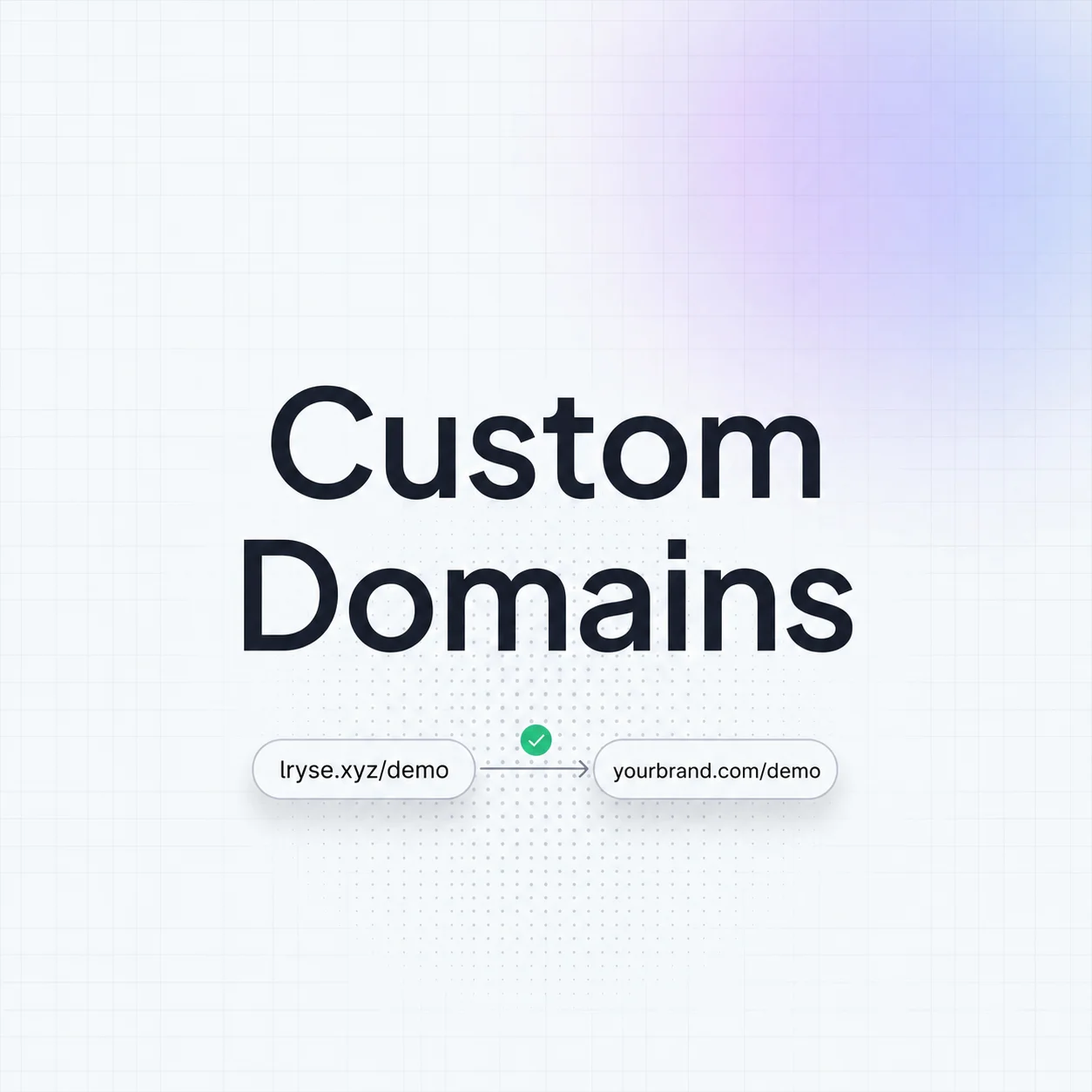
Instead of lnk.rs/launch, your links become go.yourbrand.com/launch. Same powerful analytics, same fast redirects — just with your brand front and center.
Why Custom Domains Matter
Branded short links aren't just a vanity feature. They directly impact performance:
- Higher CTR — branded links get up to 34% more clicks than generic short URLs
- Trust — users are more likely to click a link from a domain they recognize
- Consistency — every touchpoint reinforces your brand identity
- Deliverability — email providers are less likely to flag branded links as spam
Even if you're just starting out, setting up a custom domain early establishes your brand presence from day one.
Connect Your Domain
The setup process has three steps:
Step 1: Add the Domain in Linkryse
Navigate to Settings → Domains in your dashboard. Click Add Domain and enter your subdomain (e.g., go.yourbrand.com or link.yourbrand.com).
Step 2: Update Your DNS
Linkryse will show you the exact DNS records to add. Typically, this is a single CNAME record:
Type: CNAME
Name: go
Target: domains.linkryse.com
Add this record in your domain registrar's DNS settings (Cloudflare, Namecheap, GoDaddy, etc.).
Step 3: Verify and Go
Once the DNS propagates (usually 1-5 minutes), Linkryse automatically provisions an SSL certificate for your domain. Your branded short links are ready to use.
DNS propagation can occasionally take up to 24 hours depending on your registrar. If verification fails, wait and try again.
Best Practices
Once your custom domain is live, keep these tips in mind:
- Use a subdomain —
go.yourbrand.comorlink.yourbrand.com. Don't use your root domain. - Keep it short — the whole point is brevity.
go.is better thanshortlinks.. - Be consistent — pick one domain and stick with it across all channels.
- Monitor analytics — check that redirects are fast and links are resolving correctly.
Troubleshooting
If your domain isn't verifying:
- Double-check the CNAME target matches exactly what Linkryse shows
- Ensure no conflicting A records exist for the same subdomain
- Try clearing your local DNS cache (
ipconfig /flushdnson Windows) - Contact support if the issue persists after 24 hours
Custom domains are one of the most impactful features you can set up. A few minutes of configuration gives your brand a professional edge on every link you share.