Short links are the backbone of modern digital marketing. Whether you're sharing on social media, email campaigns, or QR codes — a clean, branded URL performs better than a long, ugly one.
In this guide, we'll walk through everything you need to set up Linkryse and start shortening links like a pro.
Create Your Account
Getting started is free — no credit card required. Head to app.linkryse.com/signup and create your account in under 30 seconds.
Once you're in, you'll see your dashboard with a clean, empty workspace ready for your first link.
You can start with the free Starter plan and upgrade anytime. All plans include core analytics.
Shorten Your First Link
Click the Create Link button in your dashboard. Paste any long URL, and Linkryse will generate a short link instantly.
You can customize the slug (the part after the slash) to make it memorable. For example:
lnk.rs/launch— for your product launchlnk.rs/demo— for your demo videolnk.rs/pricing— for your pricing page
Every link you create automatically tracks clicks, referrers, devices, and geographic data.
Set Up Your Custom Domain
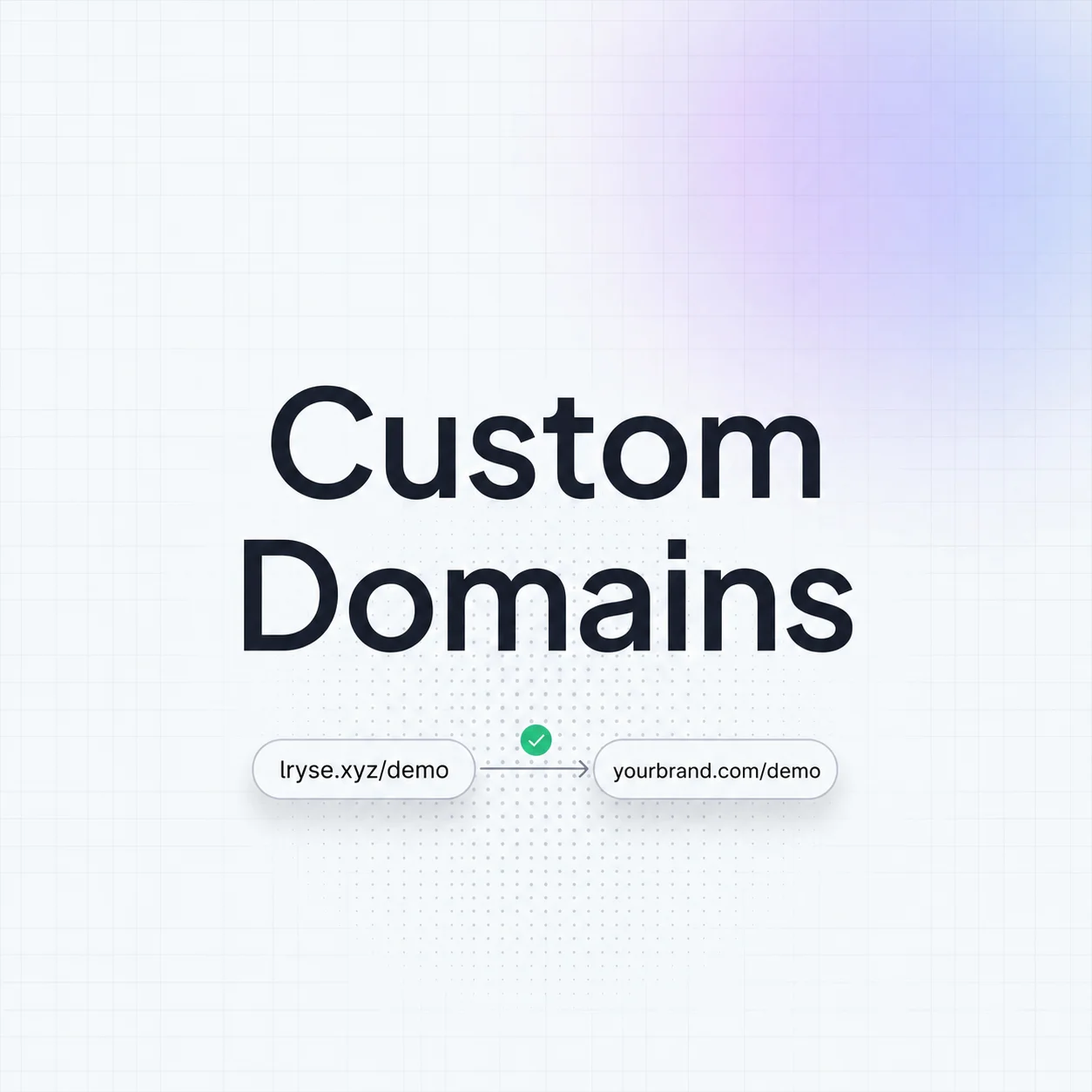
Want your short links to use your own brand? Connect a custom domain like go.yourbrand.com to Linkryse.
The setup takes about 5 minutes:
- Add your domain in the Linkryse dashboard
- Update your DNS records (we'll show you exactly what to change)
- Wait for SSL certificate provisioning (automatic)
- Start creating branded short links
Custom domains are available on the Hobby plan and above. The Starter plan uses the default lnk.rs domain.
Analyze Your Traffic
Every link comes with a built-in analytics page. You can see:
- Click count — total and over time
- Referrers — where your traffic comes from
- Devices — desktop vs. mobile breakdown
- Locations — country and city-level data
- UTM parameters — campaign tracking integration
The analytics dashboard updates in real-time, so you can see the impact of your campaigns as they happen.
What's Next
Now that you have the basics down, explore these features:
- Bio Pages — create a link-in-bio page for your social profiles
- QR Codes — generate scannable codes for offline marketing
- API Access — integrate Linkryse into your own tools and workflows
- Team Collaboration — invite team members to manage links together
Welcome to Linkryse. Build something great.